How to change a profile picture at 4shared?
Click the Settings icon in your 4shared web account and select Settings in the list of menu options.
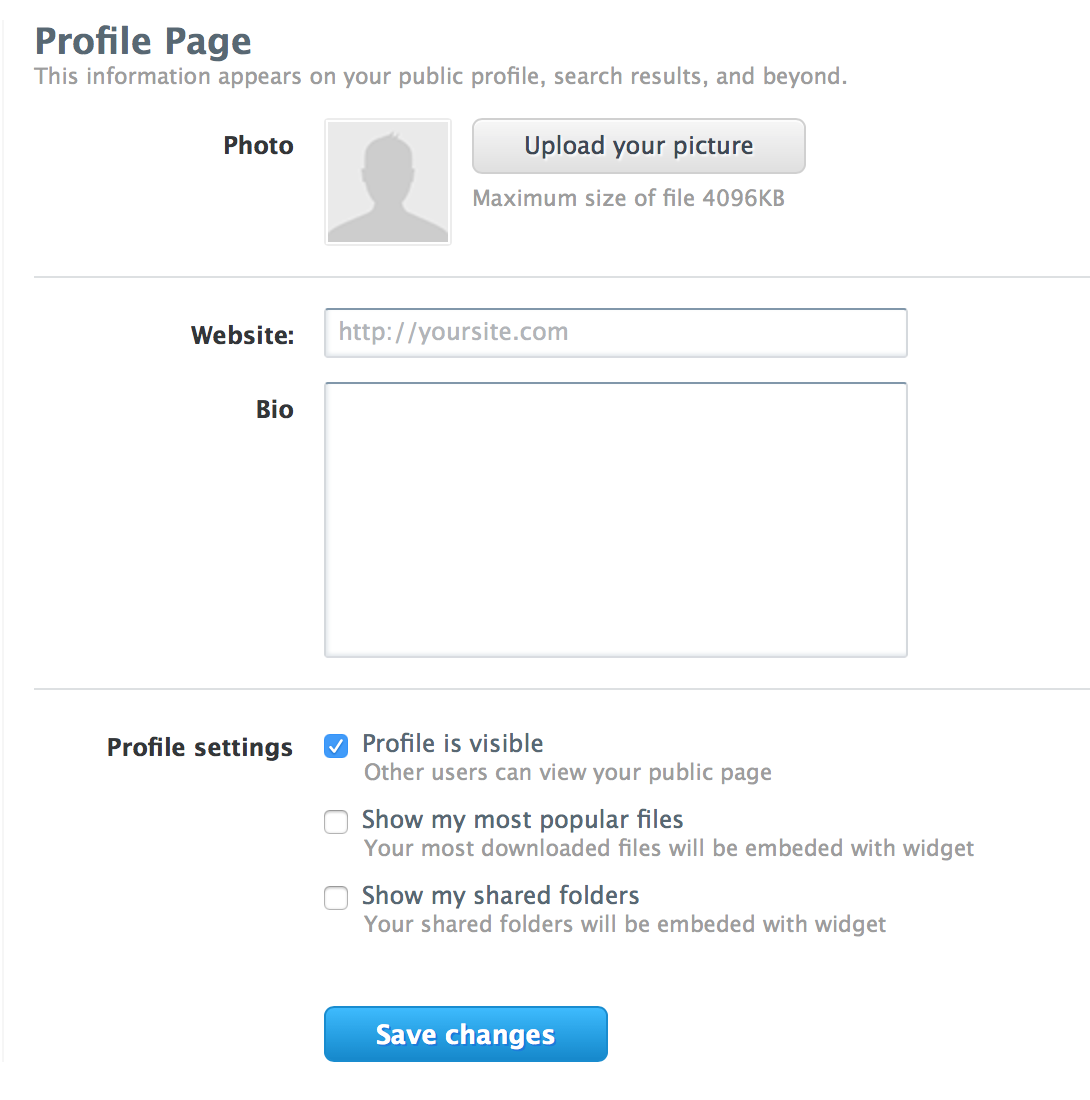
Go to Profile tab and click Upload your picture. Find the image you wish to add as your profile picture in the opened pop-up window and click Open.
How to add/change a 4shared profile description?
Click the Settings icon in your 4shared web account and select Settings in the list of menu options.
Go to Profile tab and enter your profile description in the Bio field.
You may also add the link to your website in the Website field. Then, click the Save changes button.
Click View profile page to check what your profile page looks like.
How to hide your profile page at 4shared?
Click the Settings icon in your 4shared web account and select Settings in the list of menu options.
Go to Profile tab and unmark the Profile is visible option. Then, click Save changes.
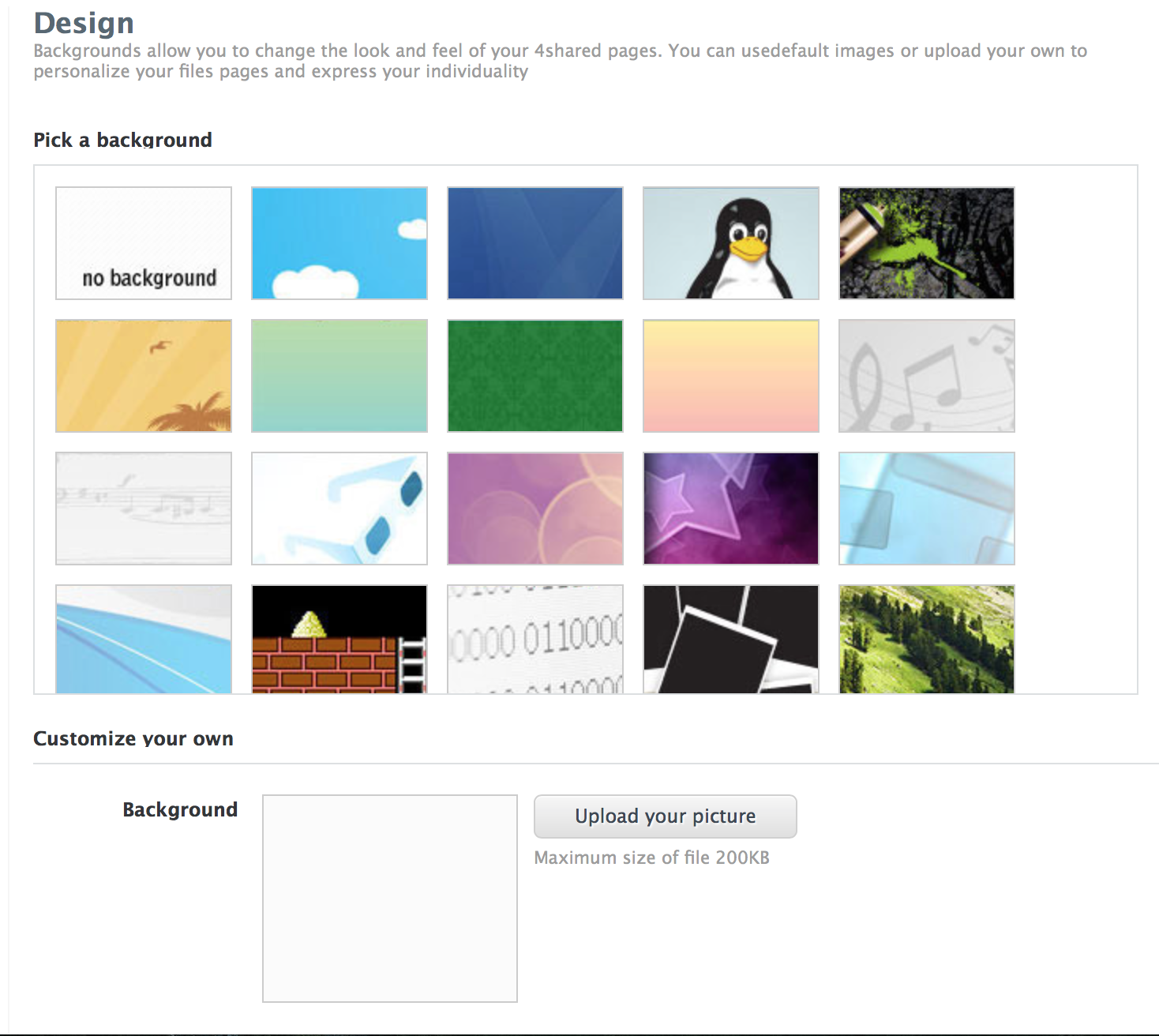
How to customize your 4shared account page design?
Click the Settings icon in your 4shared account and select Settings in the list of menu options, then go to the Design tab.
Pick a background from the array of options or add your own* by clicking Upload your picture and click Save changes to apply the changes.
Be careful:
The max size of the background pic is 200KB